




Skip to content
Support

User Activity Timeline

Aggregated User and Team Activity History for Jira

Display Team Engagement in Jira over time. Monitor collaboration intensity, spot active and passive periods, and users. Generate personal, team, or system activity reports, tracking Jira work over custom timeframes.

View data in interactive heatmaps, trendlines, or dive into data details with a table data breakdown.

A Jira User Activity Dashboard showing a team report and a personal activity heatmap side by side, each with a detailed event table

Your Data Stays in Jira!

Runs on Atlassian
  • Hosted on Atlassian
  • Data stored within Atlassian
  • Data residency compliant

User Activity Timeline & Work History for Jira

meets the following criteria of the Atlassian Cloud Fortified apps program

Security

Reliability

  • Incident Management
  • Tracking & monitoring SLIs
  • Assessed for scale

Support

Learn more about the Cloud Fortified apps program

User Activity Timeline

Jira Activity Tracking, Evolved for Teams

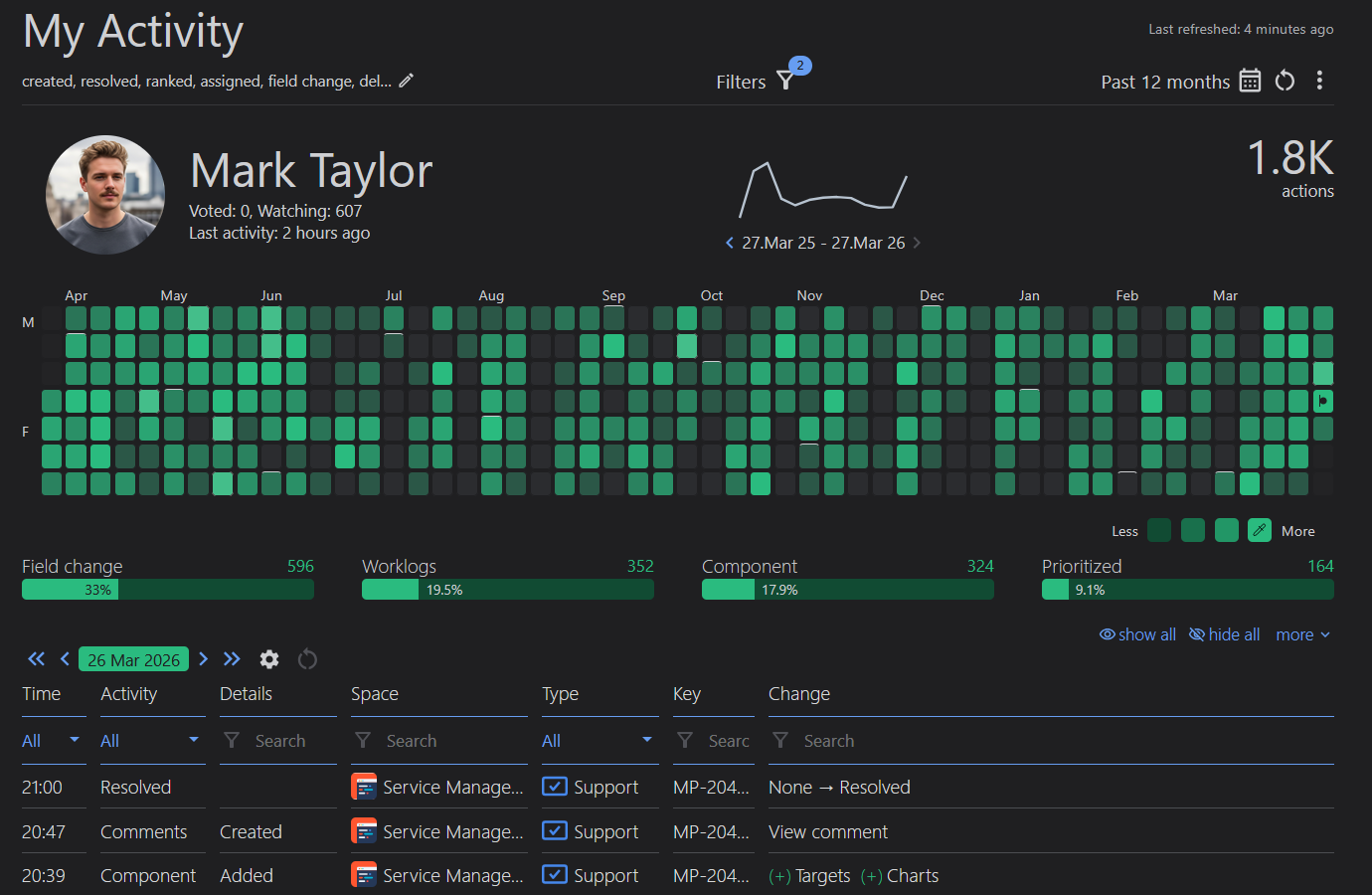
My Activity Report (opens documentation in a new tab)

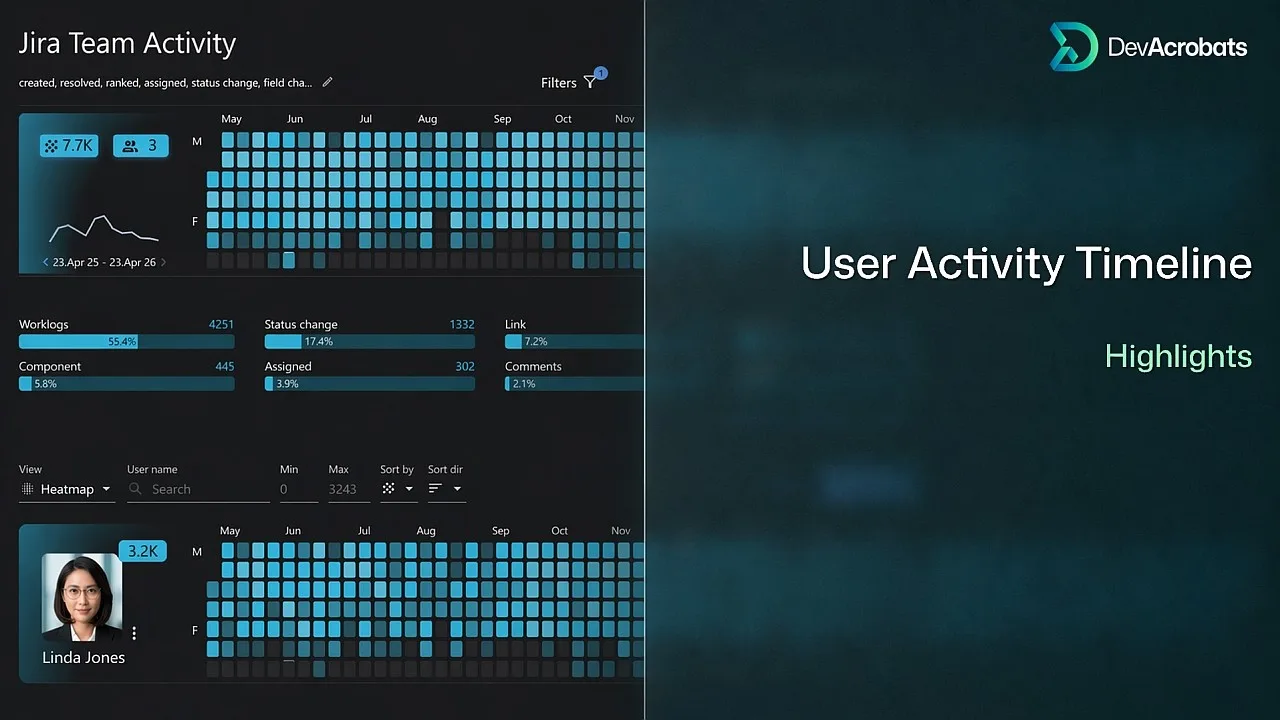
Visualize how, when, and how often you interact with Jira – from creating, updating, or deleting work items to changing any field or status. Choose your reporting period, apply filters to refine your data, and explore your activity over time through interactive heatmaps or line charts.
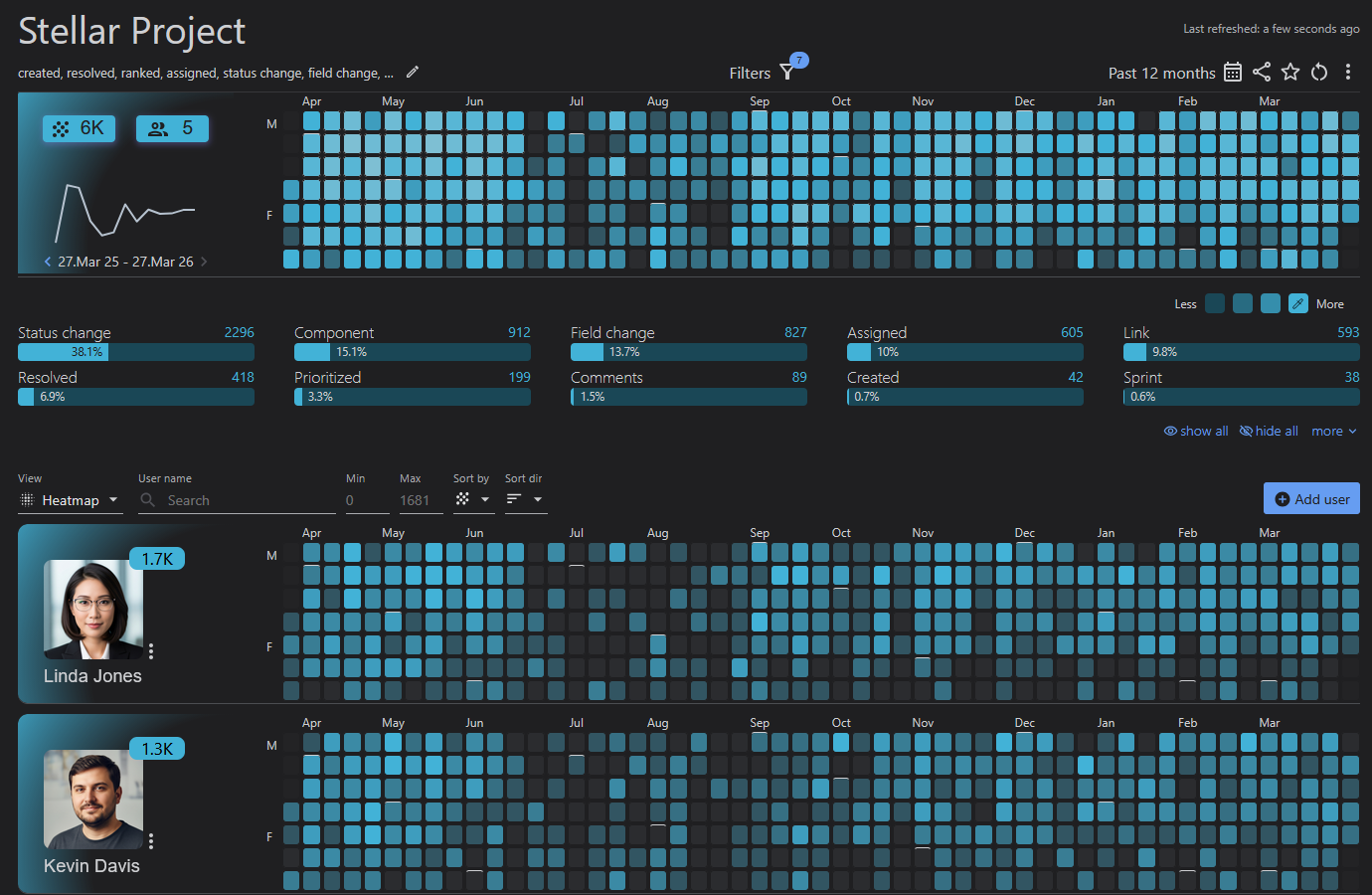
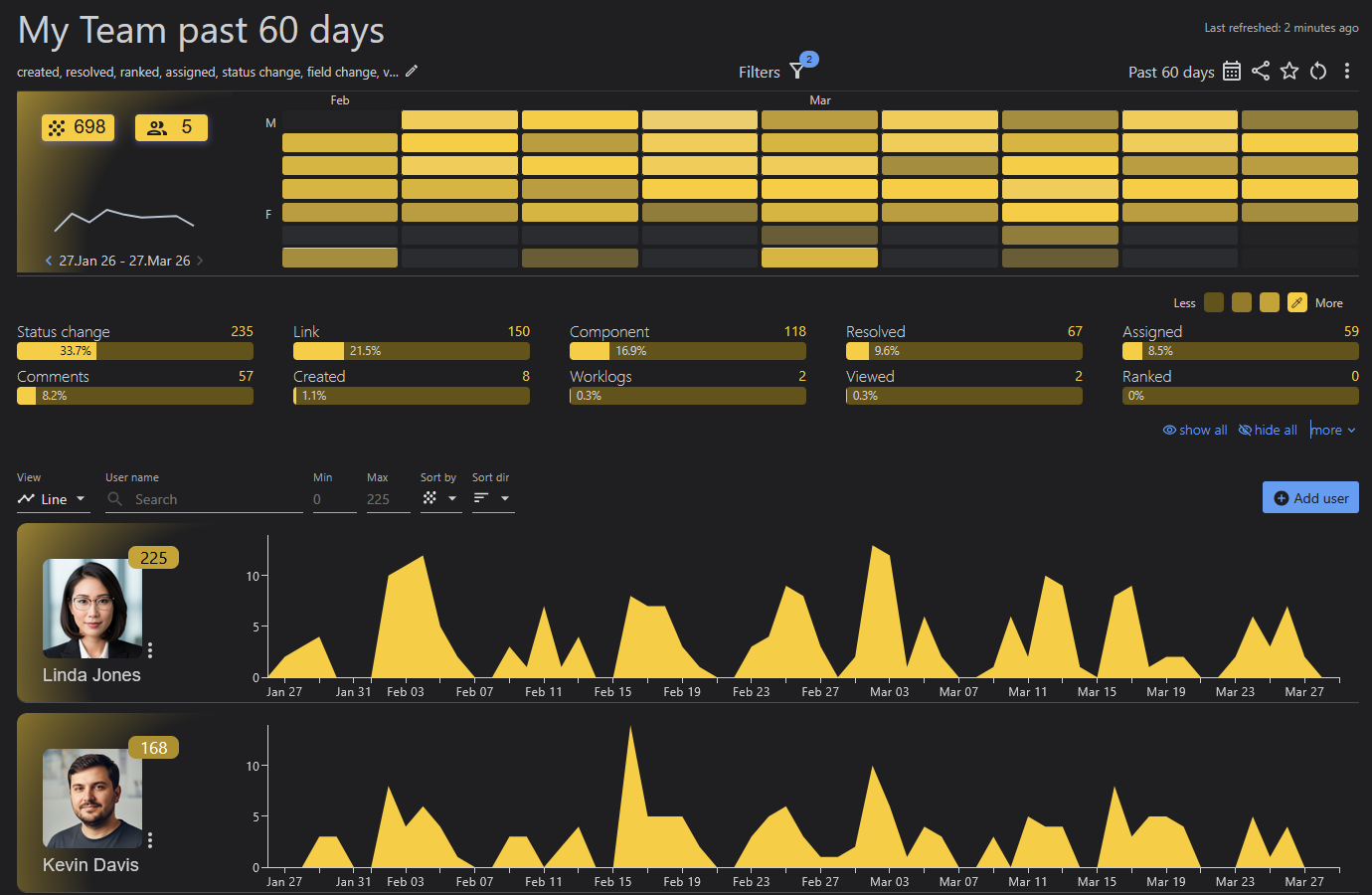
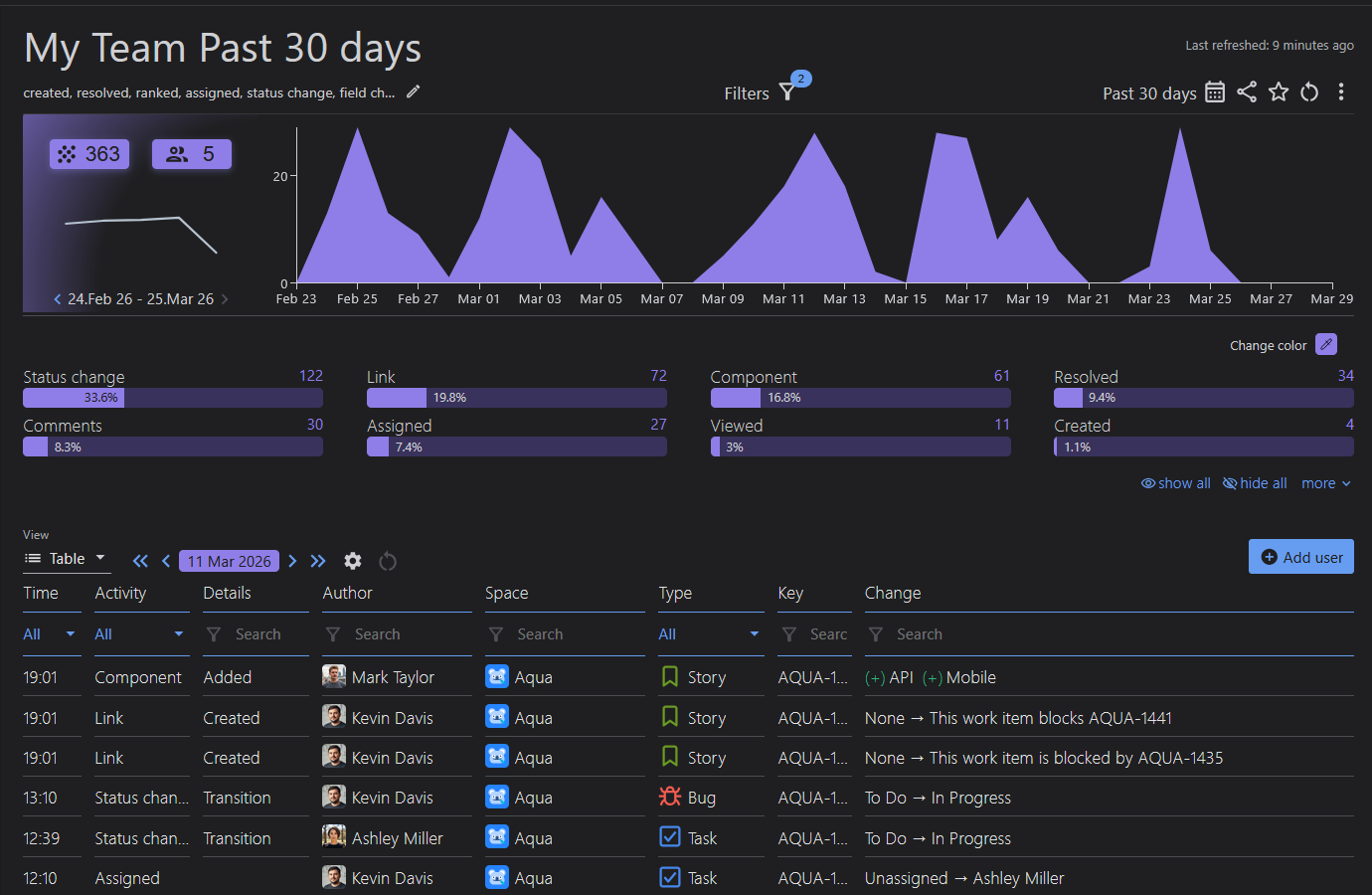
Team Activity Report (opens documentation in a new tab)

Create and share team activity reports, and track multiple Jira users activity over time. Choose from default activity types or define custom ones for tailored user activity insights. View team overviews, or detailed data breakdowns by user, and quickly navigate to related work items for deeper analysis.

Most or Least Active Users Ranking (opens documentation in a new tab)

App admins have access to two pre-built reports that list users within the instance, ranked by their average activity on work items. Quickly identify the most and least active users during a selected time period. No setup is required. Activity tracking begins upon installation.

Jira System Activity Reports (opens documentation in a new tab)

System reports provide a consolidated view of system-level activities across your Jira instance, helping administrators track configuration-related changes occurring from the point of app installation onward. Gain visibility into events for Sprints, Boards, Spaces, Versions, and more.

40+

Reported Activities

3

Visualization options

1

Dashboard Gadget

Unlimited

Use Cases

Get a quick look at the app’s highlights in our intro video: